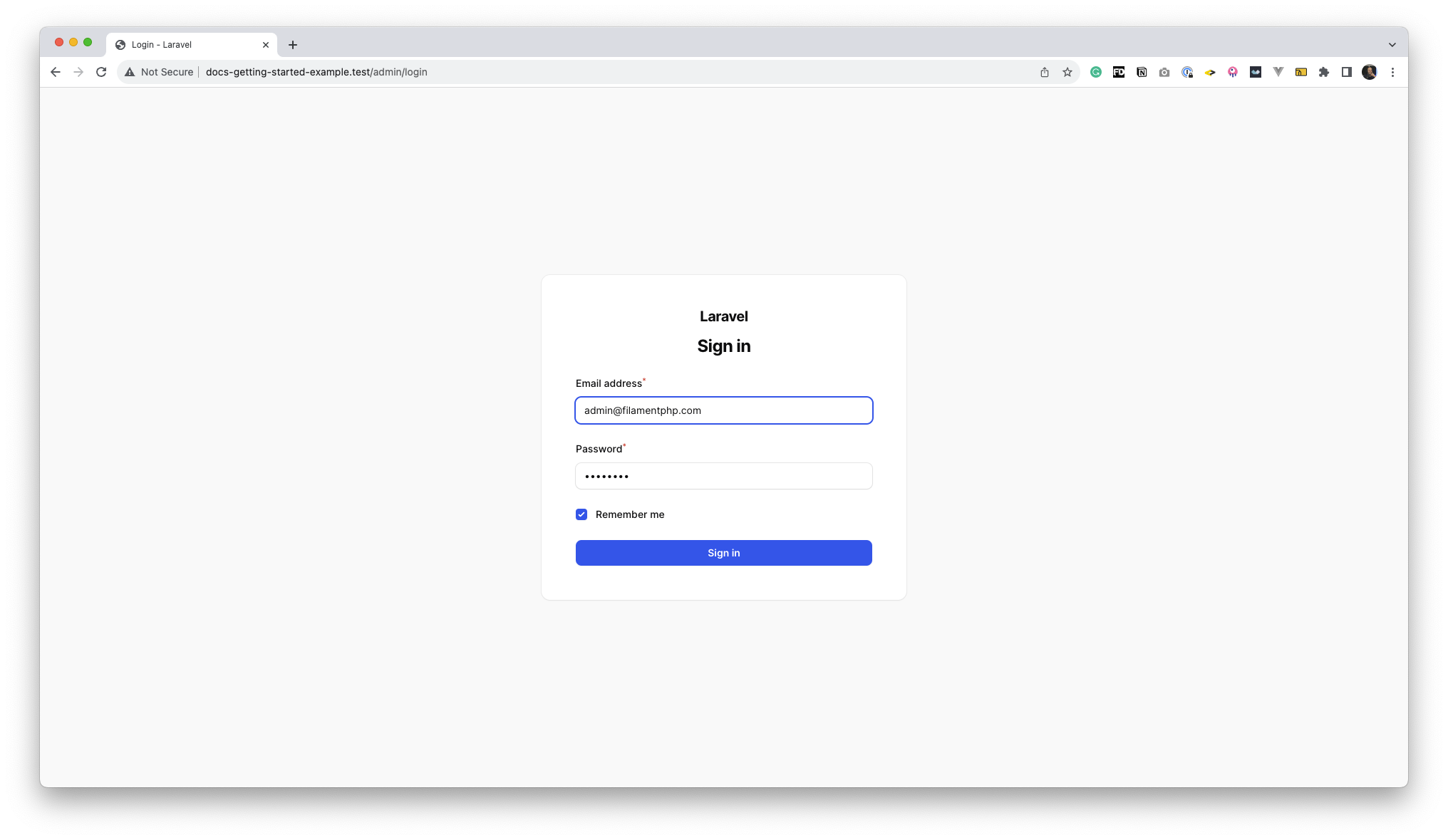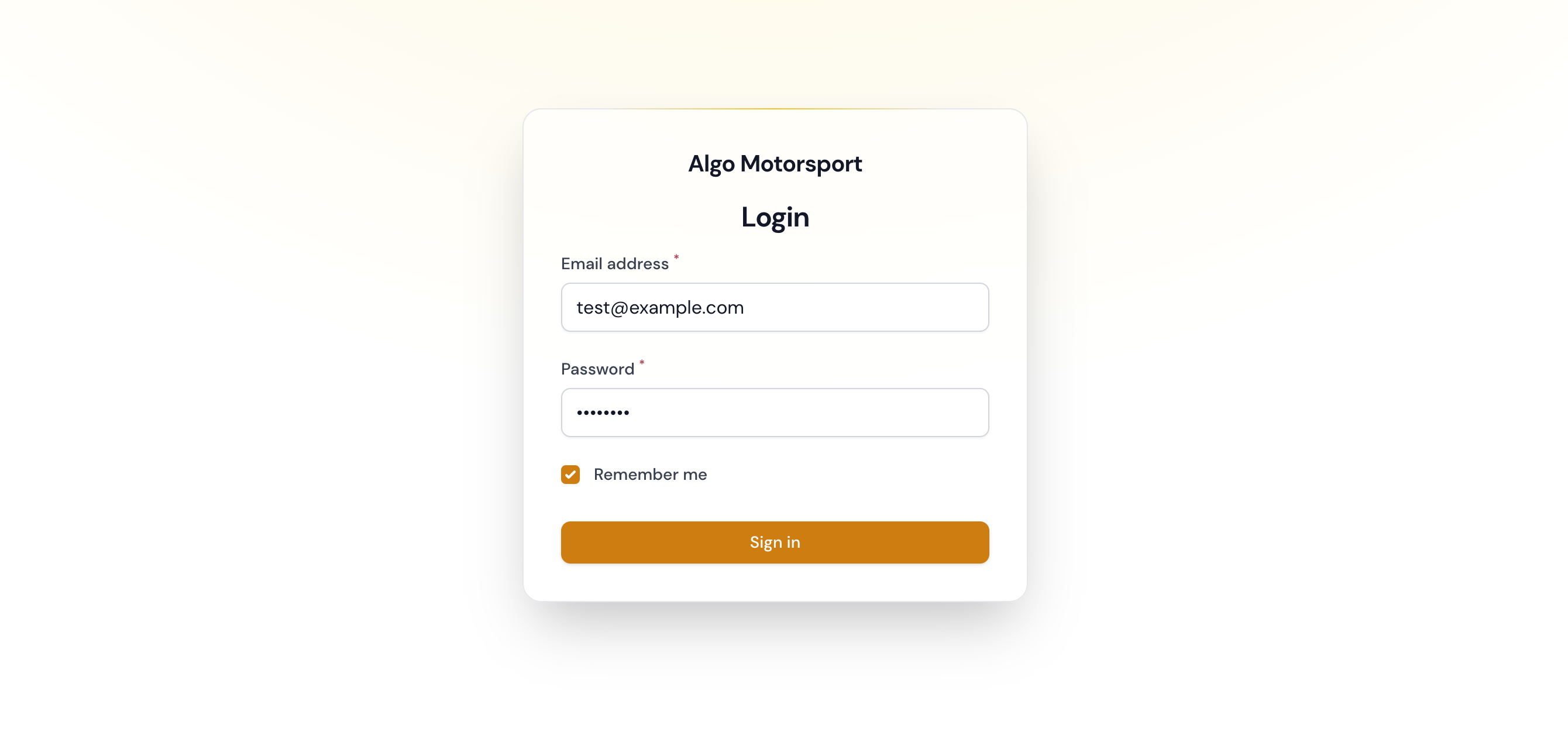
Basically, you need to control the Login page, so let's create one.
php artisan make:filament-page Login
Let's edit it so that we extend the base one \Filament\Http\Livewire\Auth\Login, and override the base mount method, while conditionally pre-fill the form with convenient seed data.
<?php

namespace App\Filament\Pages;


use Filament\Facades\Filament;

class Login extends \Filament\Http\Livewire\Auth\Login
{
    public function mount(): void
    {
        parent::mount();

        if (app()->environment('local')) {
            $this->form->fill([
                'email' => 'test@example.com',
                'password' => 'password',
                'remember' => true,
            ]);
        }
    }
}
Don't forget to change the page to use for Login, using our own instead of the default. We do this in config/filament.php file:
// config/filament.php
// ...
    'auth' => [
        'guard' => env('FILAMENT_AUTH_GUARD', 'web'),
        'pages' => [
            'login' => \App\Filament\Pages\Login::class,
        ],
    ],
//...
If you don't have the config, just publish it by running:
php artisan vendor:publish --tag=filament-config
That's it! Let me know how it went for you. As for me, every little increment of UX/DX adds up over time, making it a gazillion times better!
Happy coding! 🚀
About the author
Full-stack web developer with a taste for Laravel, Docker, and a few more components in the ecosystem
Comments
Join the discussionNo comments yet. Be the first to comment.